
This article will cover the following:
- The Home Tab
- The Offers Tab
- The Events Tab
- The Blacklists Tab
- The Suppression Lists Tab
- The Accounting Tab
- The Contacts Tab
- The Documents Tab
- The History Tab
The Home Tab
The Home tab of the Advertiser card will prominently display the name of the Advertiser in the top left corner of the card. A breadcrumb hyperlink to the Account Manager will be displayed directly below that for ease of access.
Below the name and the account manager is the CAKE ID of the Advertiser. This ID can be used within API calls or within the search engine.
You can virtually login as the Advertiser to experience the Advertiser Portal by clicking on the “Login” button below the Advertiser ID.
To the right of Login, you will find the Generate Global Advertiser Pixel button, which will launch a wizard that enables you to generate an Advertiser Pixel, which is an alternative to individual Offer pixels.
The Home Tab: Info Tab
Name: The name of the advertiser – this can be edited at any time.
Status: There are 3 statuses for an advertiser: Active, Inactive or Pending. Unlike the status on an Offer or Affiliate, the Advertiser Status does not impact tracking. It is purely a status for reporting purposes.
The Offers Tab
Offers Tab content.
The Events Tab
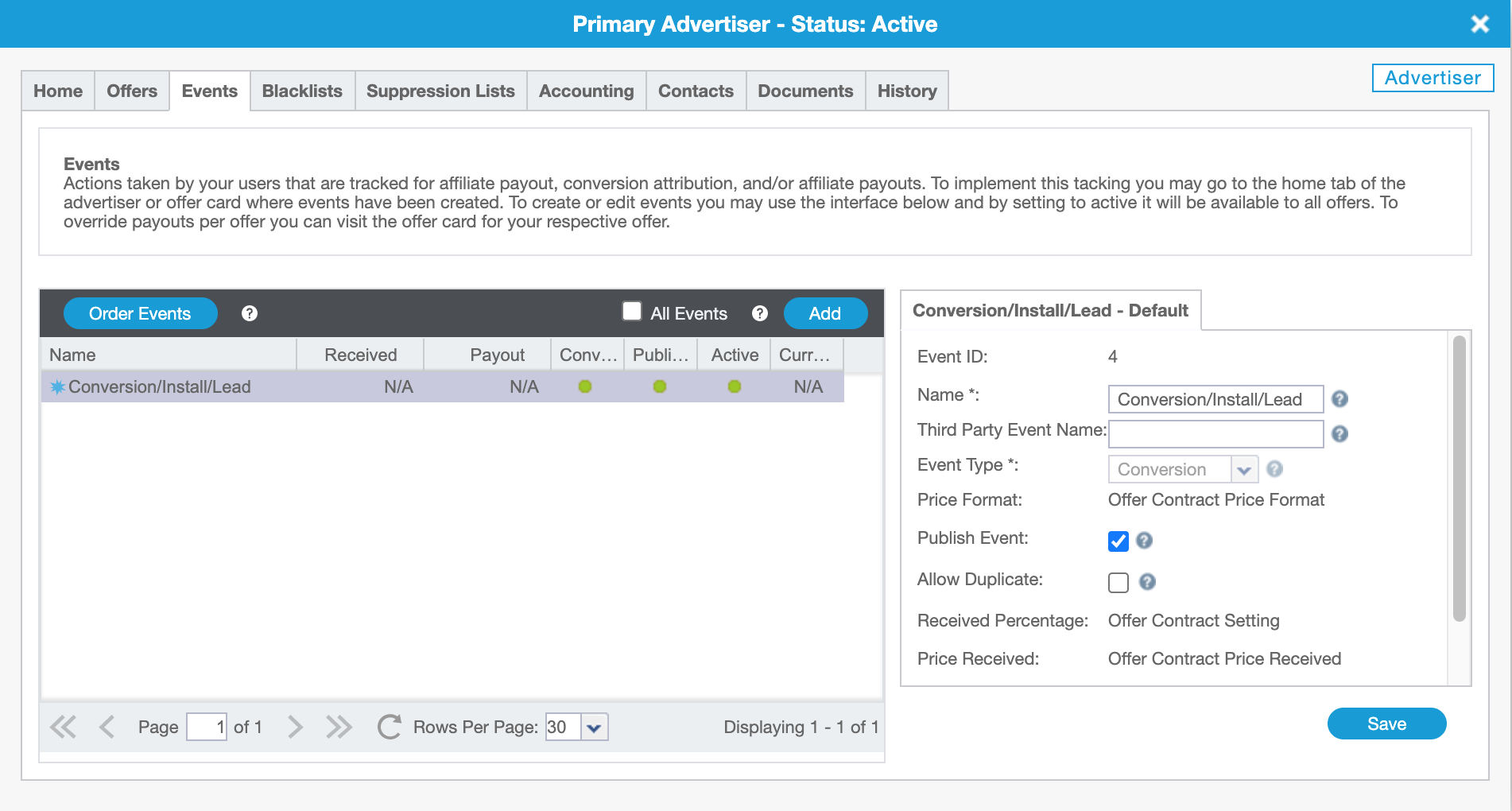
Events Tab content.
The Blacklists Tab
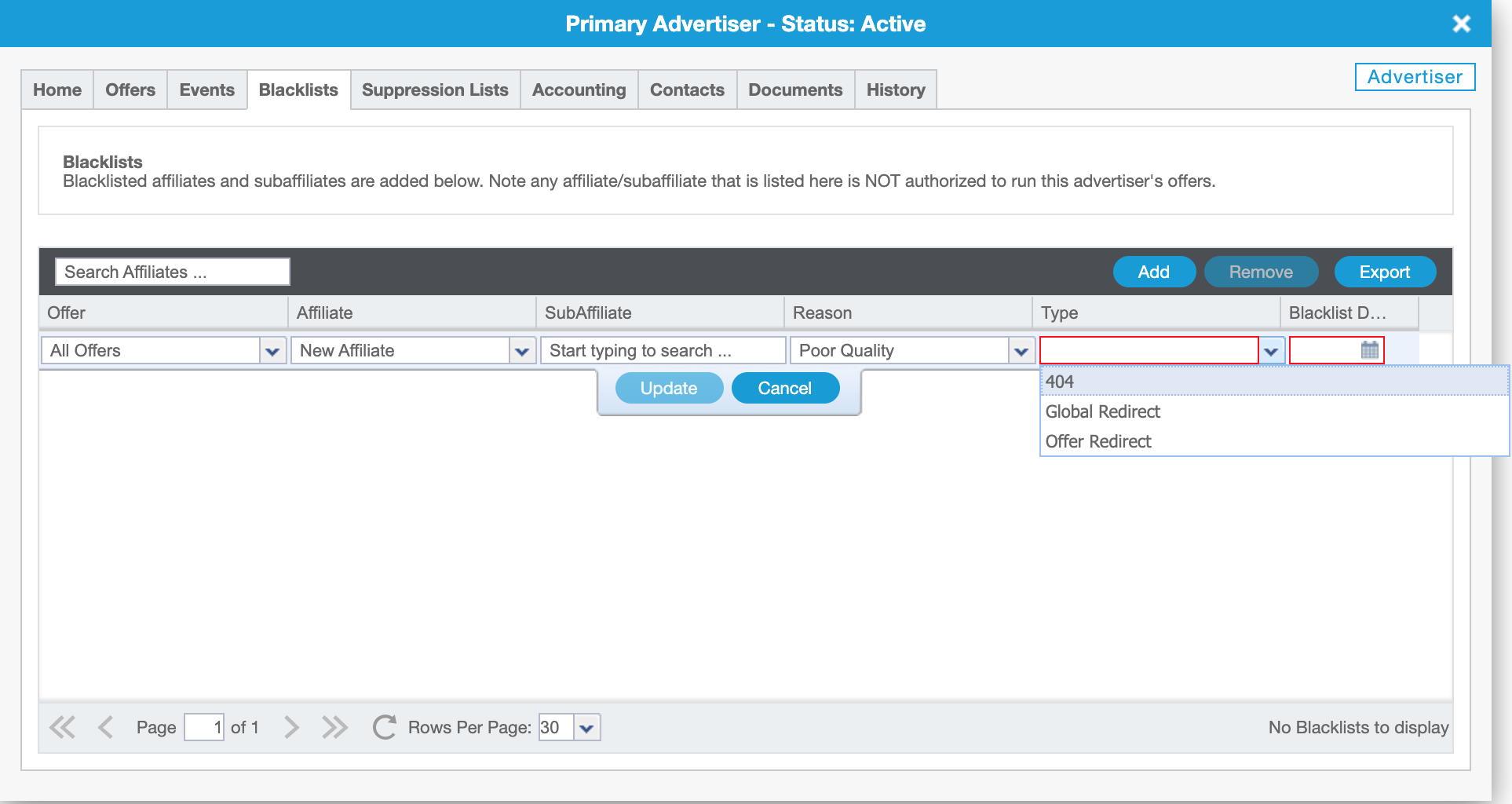
Blacklists Tab content.
The Suppression Lists Tab
Suppression Lists Tab content.
The Accounting Tab
Accounting Tab content.
The Contacts Tab
Contacts Tab content.


If you have any questions, please reach out to your dedicated CAKE Client Success Manager/Account Manager or contact the CAKE Support Team at support@getCAKE.com.