
This article will cover the following:
This article will cover the following:
This article covers the following:
- What are Pending Conversions?
- How to enable Pending Conversions
- Pending Conversion Settings
- Reporting on Pending Conversions
- Adjusting Pending Conversions
What are Pending Conversions?
CAKE gives you the ability to mark conversions as pending as they come into the CAKE system. When a conversion is marked as pending you will have the chance to review each conversion and process it before marking it as approved or rejected.
Settings that effect Pending Conversions:
1. Global Settings: Enable Pending Conversions
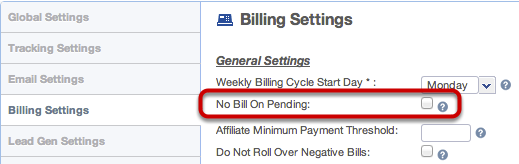
2. Billing Settings: Do Not Bill on Pending Conversions
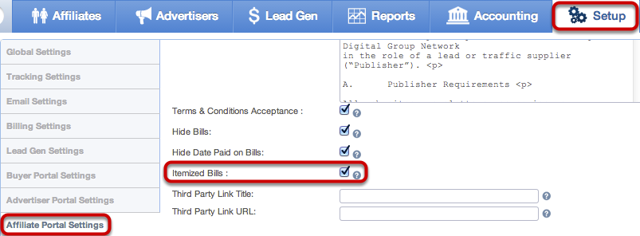
3. Affiliate Portal Settings: Show Bill Breakout on Generated Bills
4. Review Checkbox on at the Affiliate Card, SubAffiliate Card and Campaign Card
Updating Pending Conversion Status
There are several ways to update a pending conversion's status.
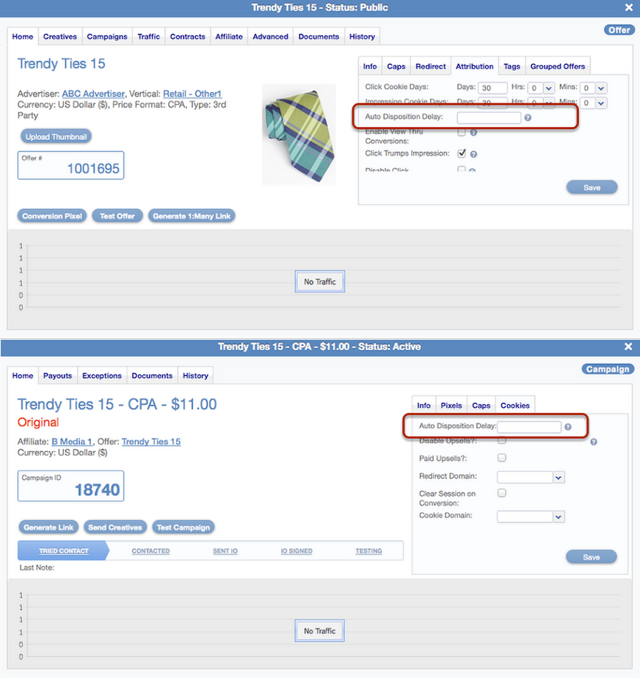
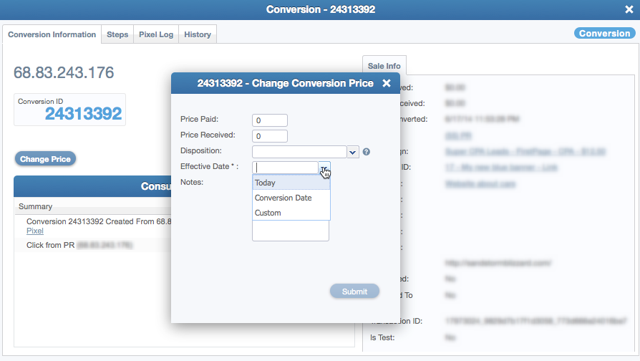
1. You can set a specific window of time (Auto Disposition Delay) in which you can automatically approve pending conversions at the Offer or Campaign level.
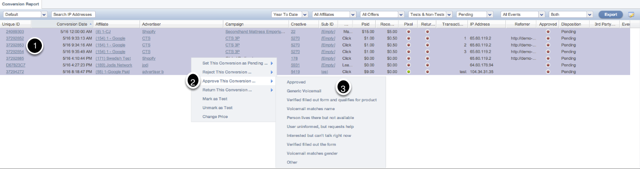
2. Pending conversions can be reviewed and processed at the Affiliate or Campaign level from the Campaign, Affiliate Master and Conversion Reports.
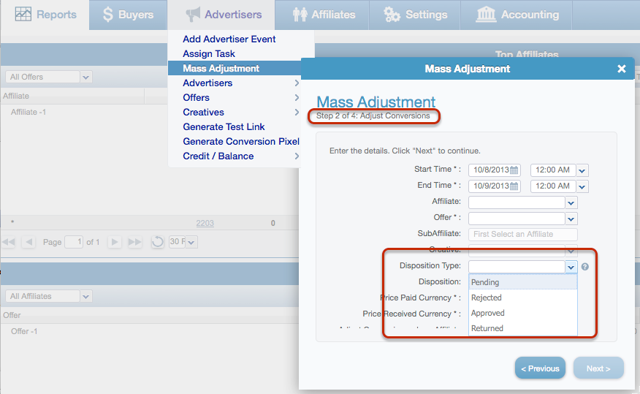
3. You can use the Mass Adjustment tool from the Affiliate main tab or the Advertiser Main tab to update in bulk.
Reporting
1. Conversion Report Filter
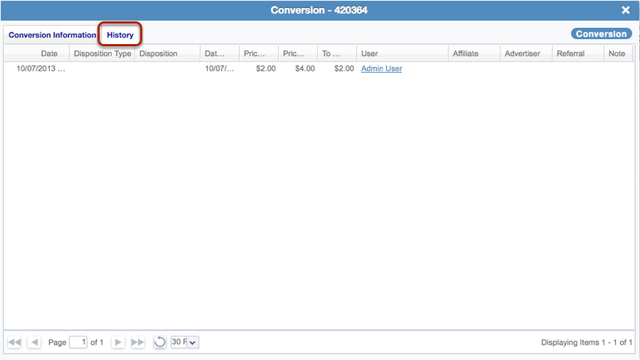
2. Lead Card - Conversion Ledger
Global Settings: Enable Pending Conversions

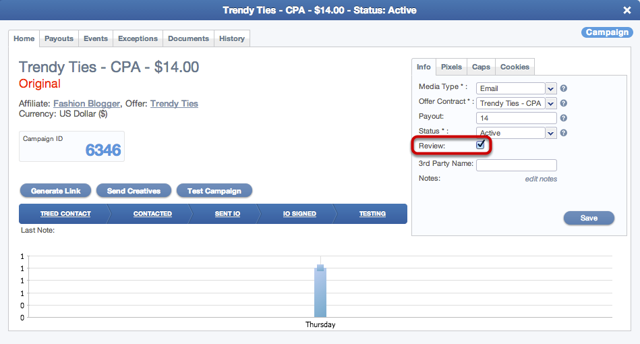


1: In your main Setup tab > Tracking Settings > scroll down until you see the Conversions header. Here you'll see a checkbox " Pending Conversions" for your instance. Once you check this setting Campaign cards will include a checkbox called "Review."
If you have any questions, please reach out to your dedicated CAKE Client Success Manager/Account Manager or contact the CAKE Support Team at support@getCAKE.com.